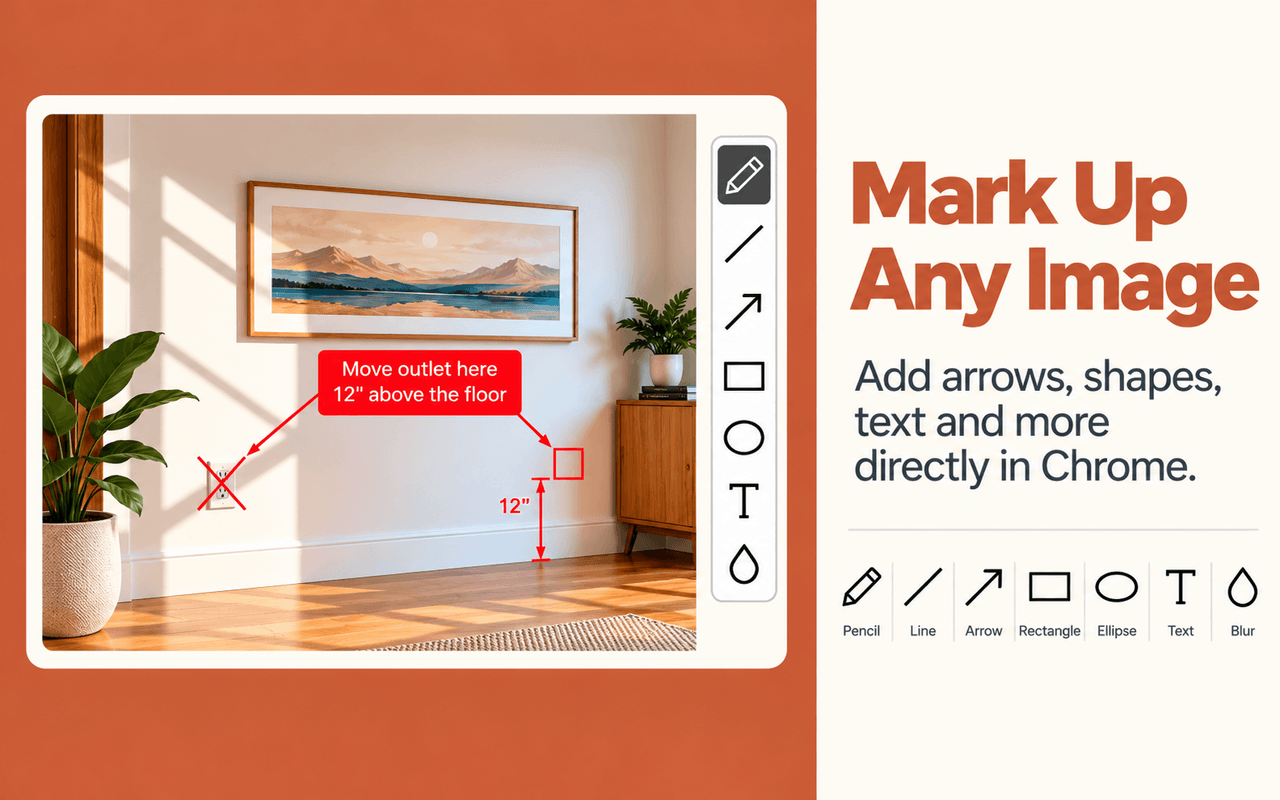
Measure From Photo Installed!
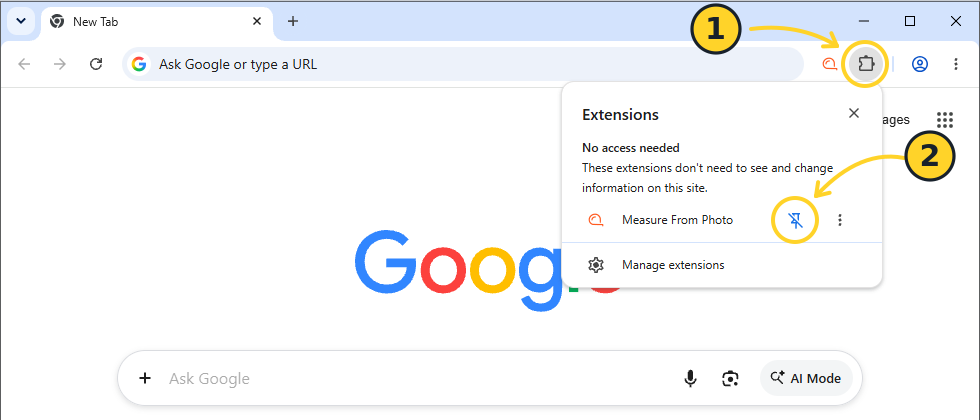
Click the Extensions icon (1), then pin Measure From Photo (2).
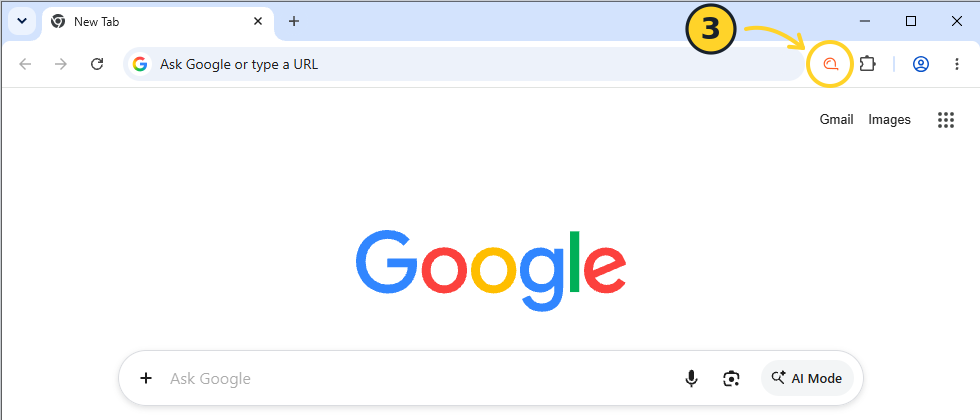
Click the Measure From Photo icon (3) to start.
READY TO USE
You're Ready to Go!
Capture images, measure dimensions, add annotations, and share your results.
-
Capture Click the extension icon and select an area of the page.
-
Measure or Annotate Measure distances and areas, draw arrows, highlight objects, or add text.
-
Save or Share Copy, save, or print your finished result.
Get Started
Open a webpage, image, or PDF in Chrome, then click the Measure From Photo icon.
You can close this tab and start using the extension on any webpage.